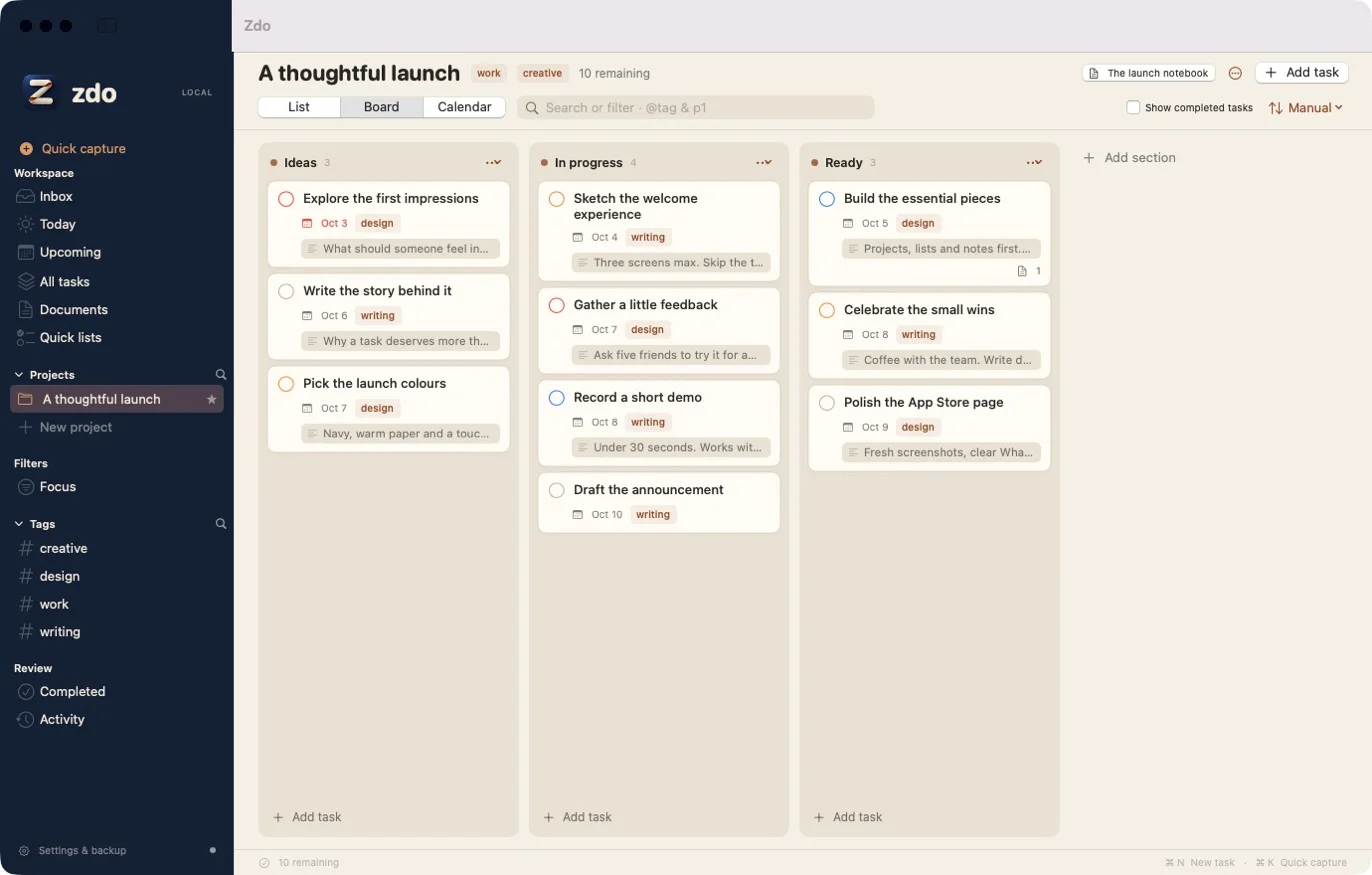
Every task. Its whole story.
A task is often more than a one-liner. There’s a brief behind it, a plan, some research, a few notes about what happens next. In zdo, that thinking lives in Markdown documents linked right to the work.
- One note, many places. Link a document to a project, a task, or a subtask, and reach it from each of them.
- Write, split, or read. Plain Markdown with tables, checklists, diagrams, math, and code, rendered right next to your text.
- [[Wiki links]] and attachments. Connect notes to each other and keep images and files with them.
Simple on purpose.
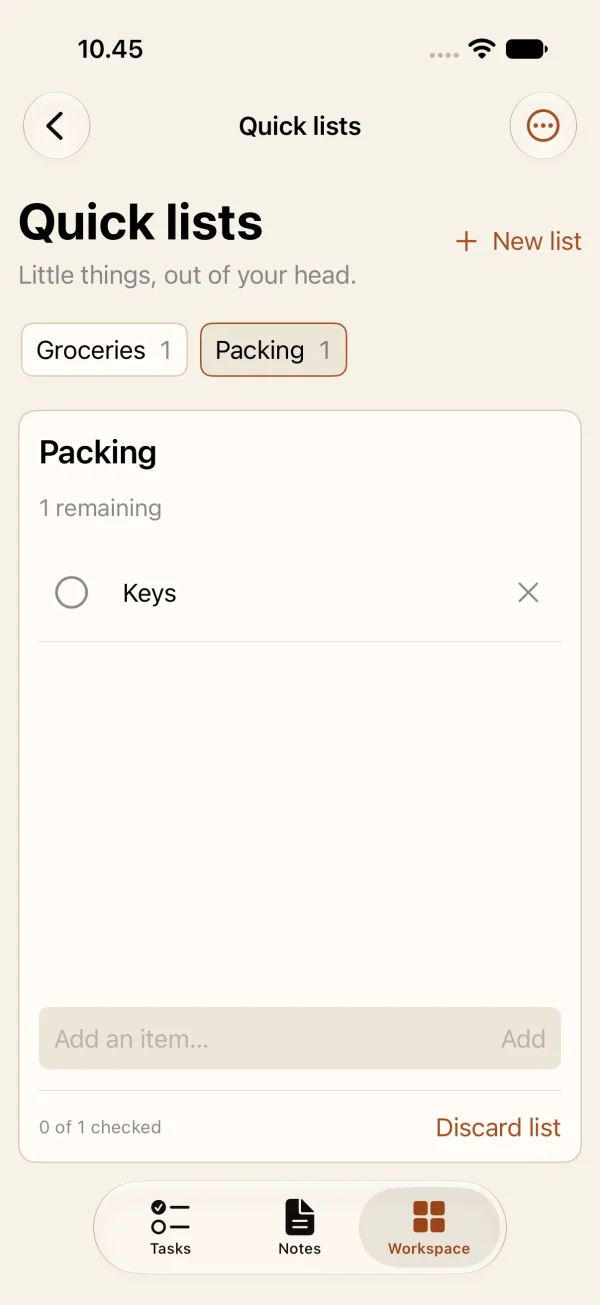
zdo does a handful of things and stays out of your way. Projects for work that needs structure. Quick lists for the little things you just want out of your head: groceries, packing, errands. Check them off, then discard the list.
Left out, deliberately:
- Sign-ups
- Team workspaces
- AI features
- Ads
- Location reminders
- Formatting toolbars
No new account. No login. Nothing sent to us.
There’s nothing to sign up for. Open zdo and start writing. Your workspace lives on your device. Want it on your iPhone too? Sync runs through your own private iCloud, so all you need is the iCloud account you already use on your Mac and iPhone.
- No new accountNo zdo sign-up, email, or password. Use it on one device without any account.
- No trackingNo analytics, no third-party SDKs, no usage telemetry, no ads.
- No zdo serversYour workspace is never sent to us.
- Sync uses your iCloudTo sync, sign in to iCloud with the same Apple Account on each device. Sync is optional.
- Yours to takeExport Markdown and PDF, and keep automatic backups where you choose.
- This site tooNo cookies, no analytics, no third-party fonts or scripts.
Everything in its place.
The essentials of a good task manager, done carefully, and nothing that gets in the way.
- DateTomorrow
- Priority1
- Tagwork
- ProjectLaunch
- RepeatsEvery week
Quick capture reads dates, priorities, tags, and projects as you type. Press ⌘K on the Mac. It understands Finnish too: huomenna, joka viikko.
List, board, or calendar
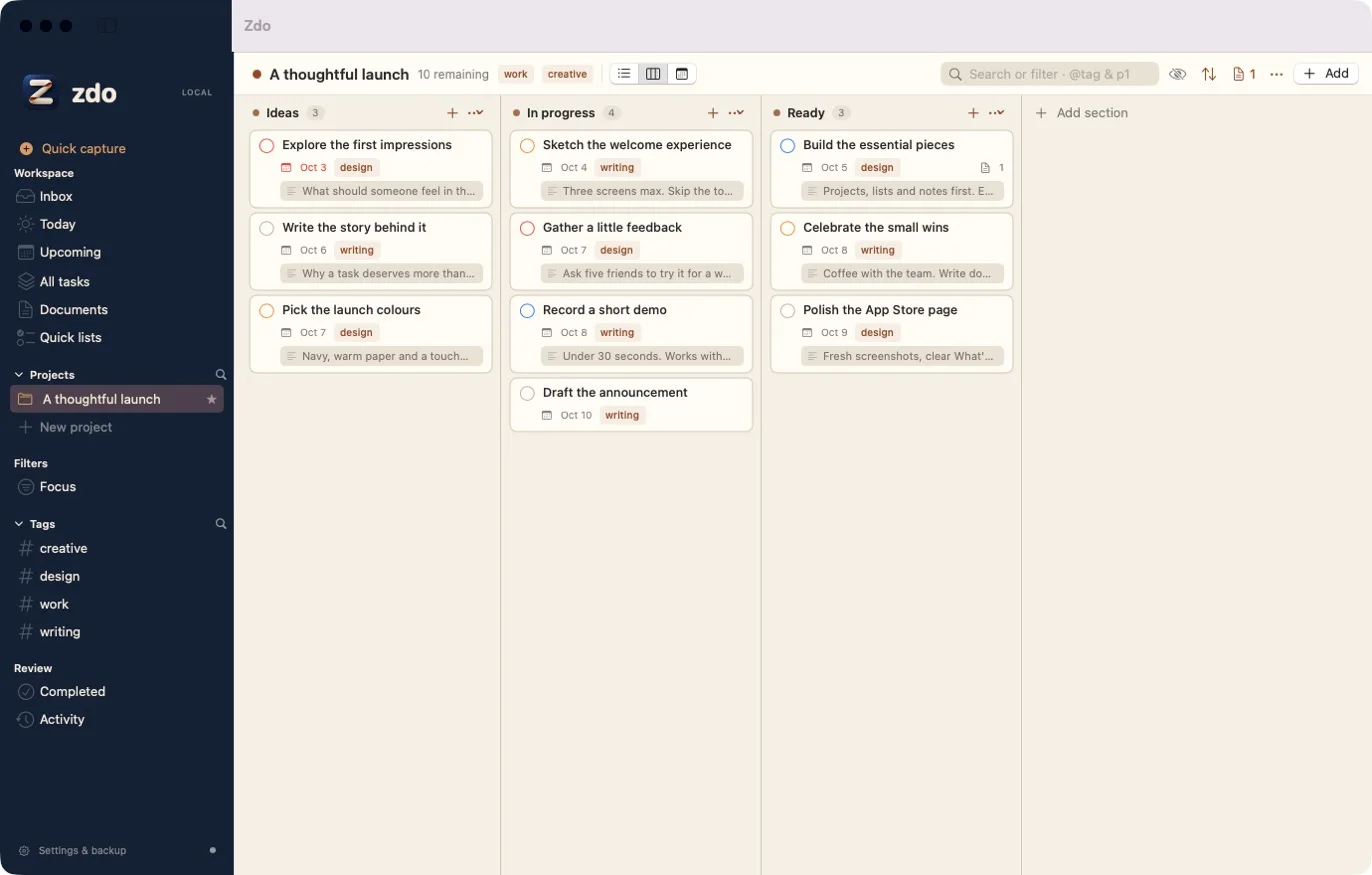
Each project remembers its view. Drag tasks between sections and dates.
Subtasks all the way down
Break big work into pieces you can actually do, as deep as you need.
Dates that fit real life
Scheduled dates, separate deadlines, priorities, reminders, and repeating tasks.
Share into zdo
Send links, text, and PDFs from other apps straight into a task or a note.
Speak your thoughts
Dictate tasks and notes with the built-in dictation on Mac and iPhone, or capture an idea with Siri.
Bring your Reminders
Import lists from Apple Reminders after a quick review. The originals stay untouched.
Search that finds things
Search covers task descriptions and linked notes. Save any search as a filter.
Backups you control
Automatic backups to a folder you choose, ready to restore on Mac or iPhone.
English and Finnish
Use zdo in either language and switch any time in the app.
From A to Z. Then zdo.
I tried all kinds of to-do and note-taking apps, from A to Z. None quite brought together the things I wanted. So I built zdo: z + do. Option Z.
I wanted the structure of a real project tool, the calm of a good notebook, and a place for the groceries that doesn’t pretend they’re a project. And I wanted it to be mine: on my devices, with no account and nobody watching.
zdo Pro
Editing features use an Apple-managed subscription, and one subscription covers both Mac and iPhone. Available plans, local prices, and any eligible trial are shown in the app before purchase.
Your existing work remains readable and exportable after your subscription ends.